Help & access
Lists and row actions
How the actions menu and quick view work in tables.
Lists in Koino — churches, people, livestreams, batches — work the same everywhere. Every row has an actions menu (the three dots) on the right.
The actions menu
Actions
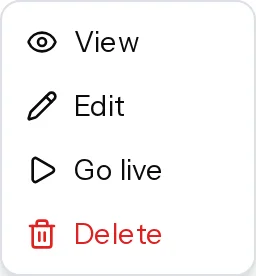
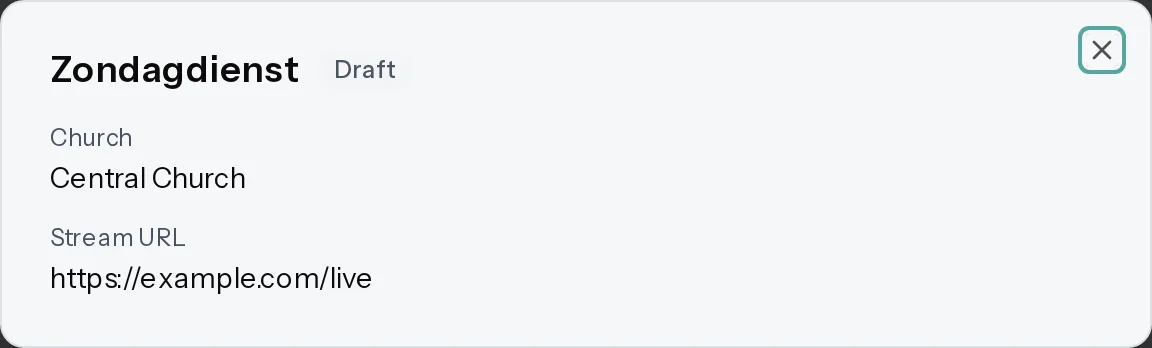
- View opens a quick view with the row's key details — without leaving the page.
- Edit opens the form. Domain actions like Go live or Post to Finance live in the same menu.
- Delete or Archive sits at the bottom, only where available, and always asks for confirmation.