
Structure & teams
Setting up a church structure
How to organize multiple congregations, wards or branches under one organization.
Koino has one organization containing a tree of churches: headquarters, regional congregations, local congregations and wards. That hierarchy is the backbone of your administration.
The hierarchy
- Every church has exactly one parent church (except the top of the tree).
- People, teams, services and books always hang on a church in the tree.
- Access follows the tree: someone with access to a church can — when configured — also see its descendant churches.
Getting started
- Go to Administration → Churches and create your locations top-down.
- Pick a type per church (headquarters, regional, local, branch) — that keeps large structures readable.
- The church selector in the top bar determines which data you see. It is context, not a source of rights: you never see churches outside your access.
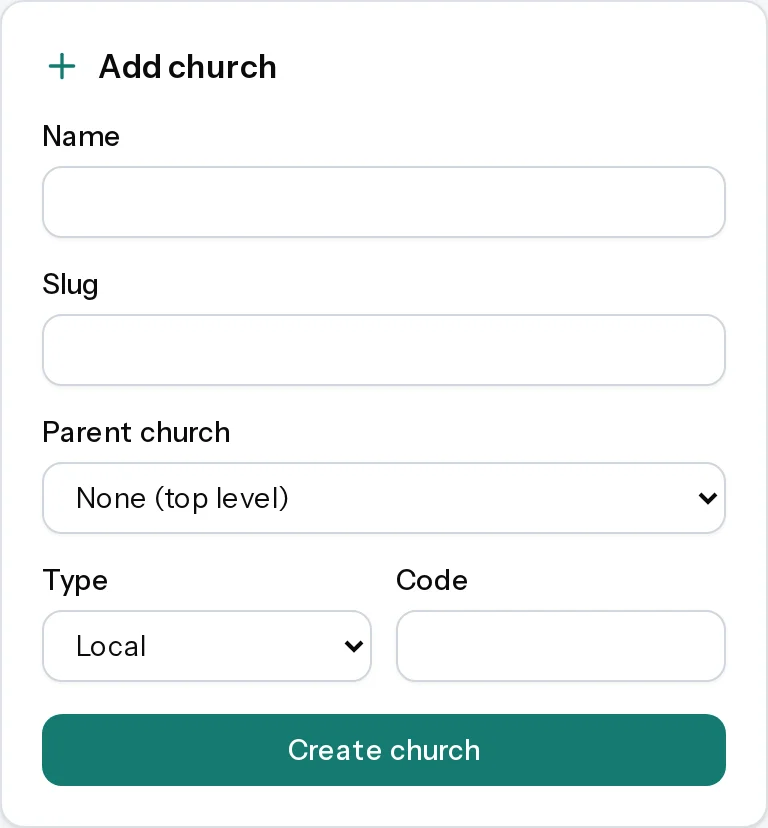
Create church
The most important field is the parent church:
Parent churchParamaribo NorthDetermines where this church sits in the structure. Choose "None (top level)" for the top of the tree.
Moving later
A church can be re-parented later. The hierarchy grows with your organization without starting over.