

Koino PresenterFrom preparation to the screen, with confidence.
Koino Presenter runs on your church laptop. Prepare songs, Bible passages and video while the congregation keeps seeing what is on screen now — and keep presenting when the internet drops.
Desktop app forWindows 10/11macOSLinux
Downloads are being prepared
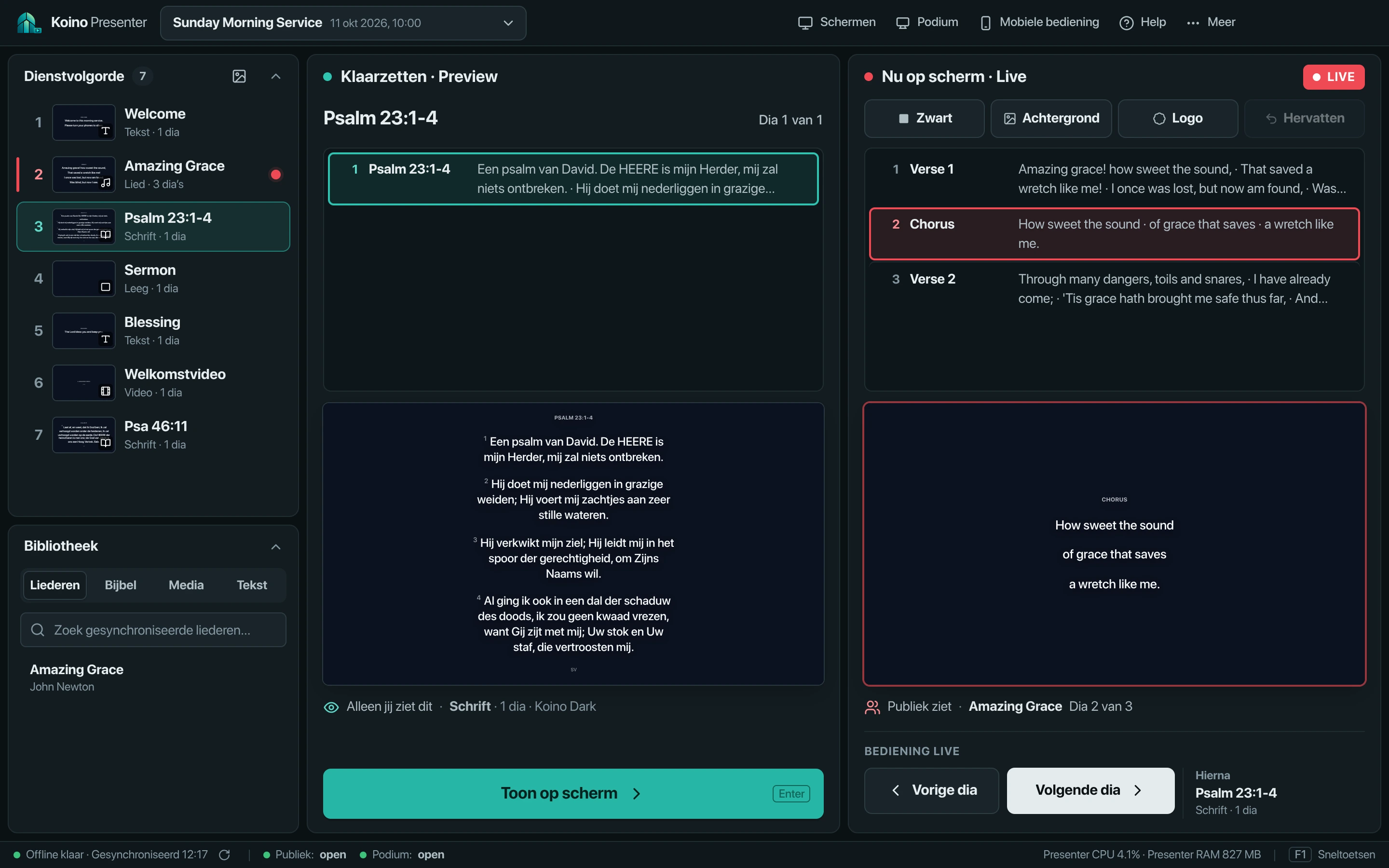
Prepare and On screen
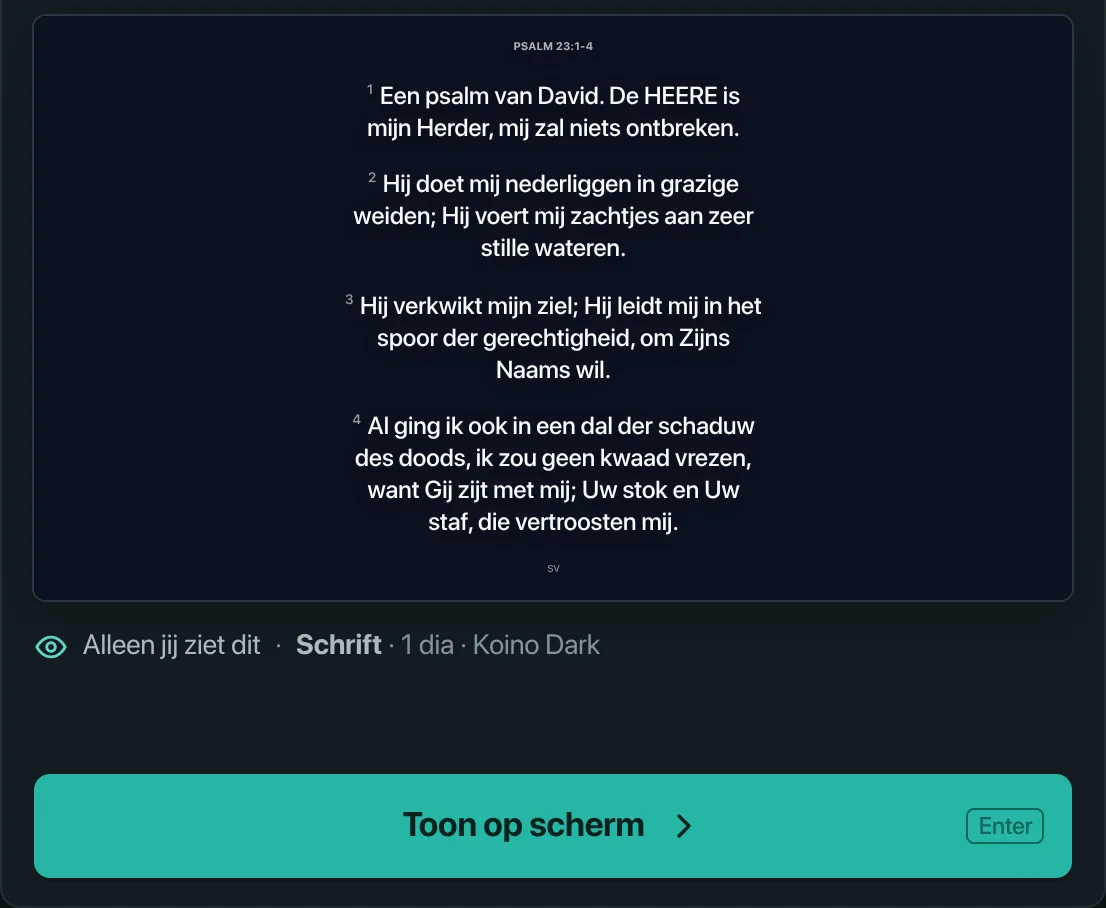
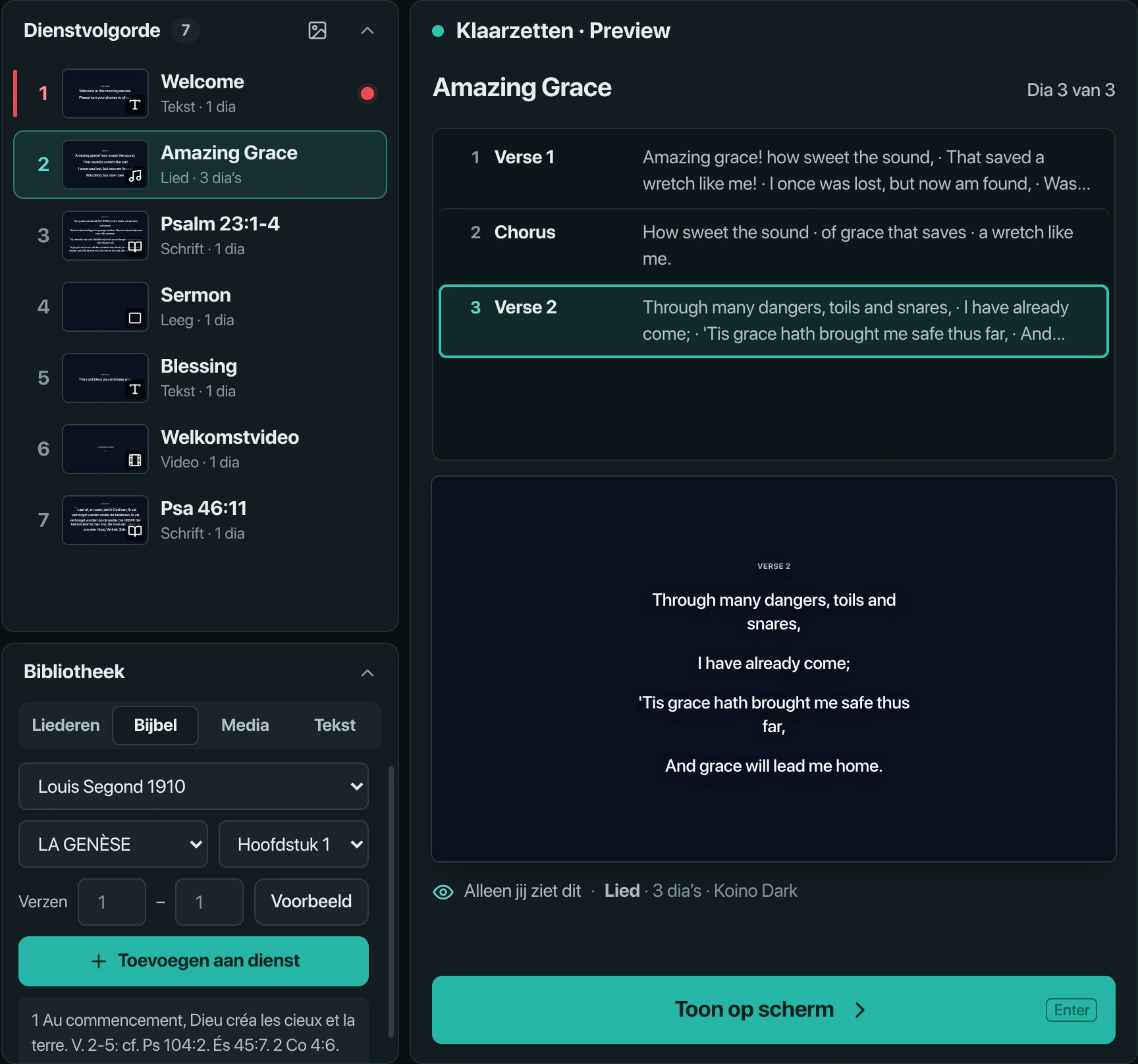
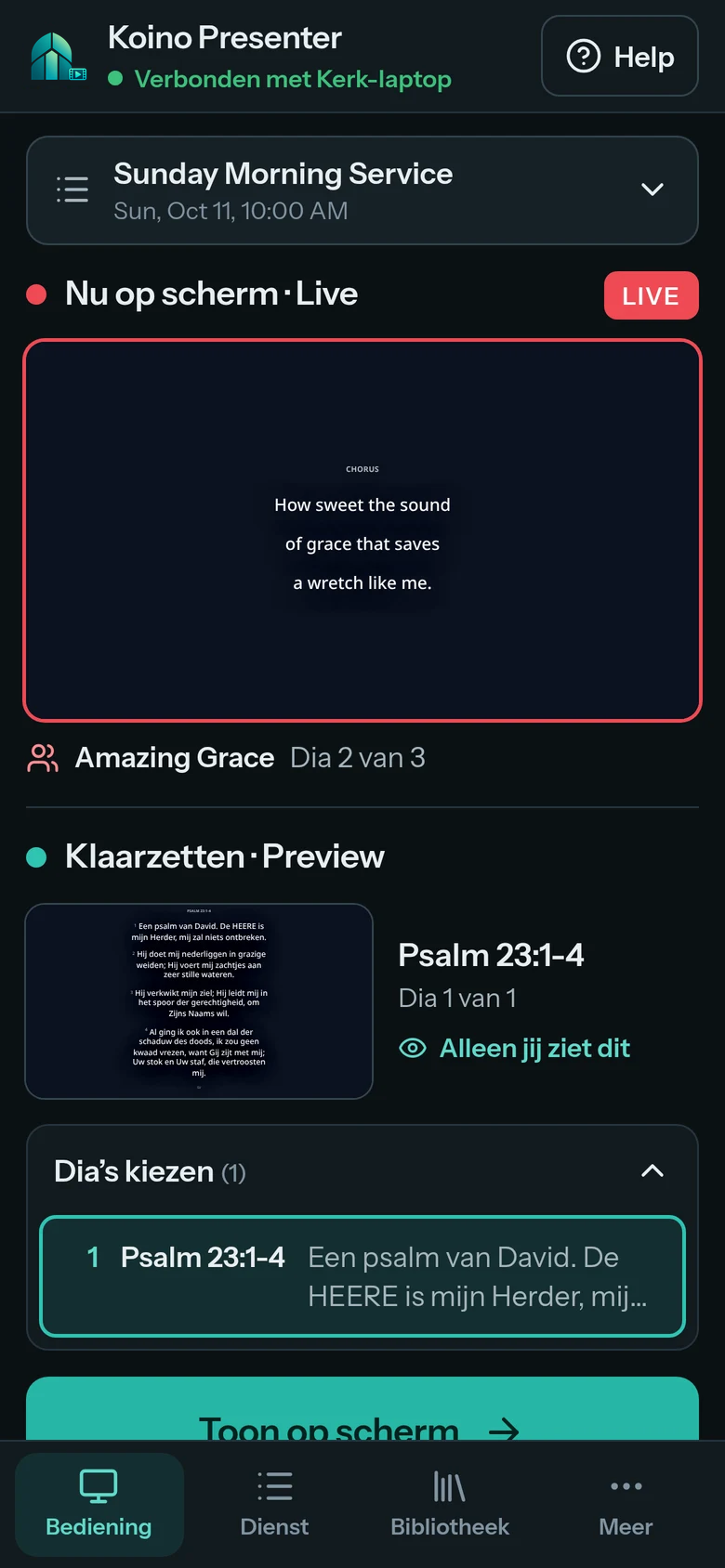
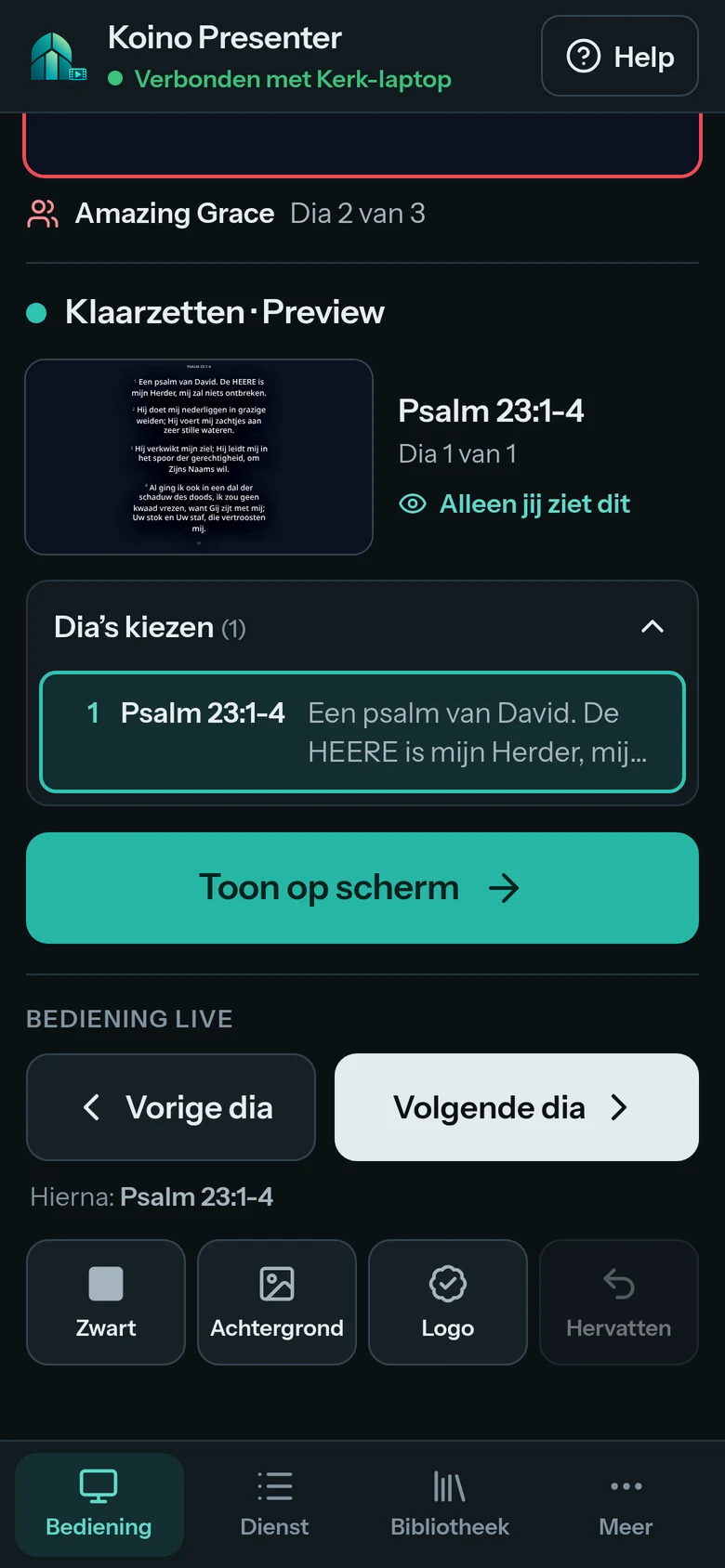
Prepare what’s next. The room sees nothing change.
On the left you prepare the next slide; only you can see it. On the right you see exactly what the room sees now. The picture only changes when you press Show on screen — in one step.
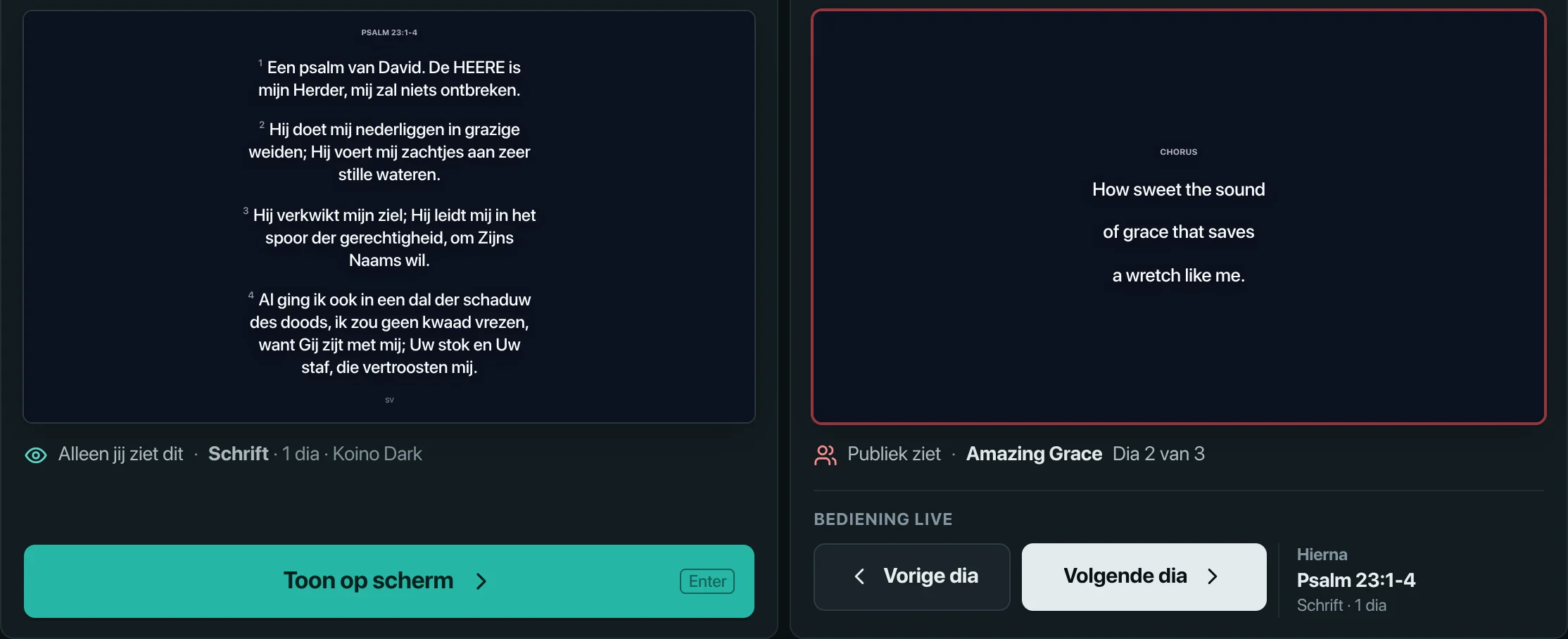
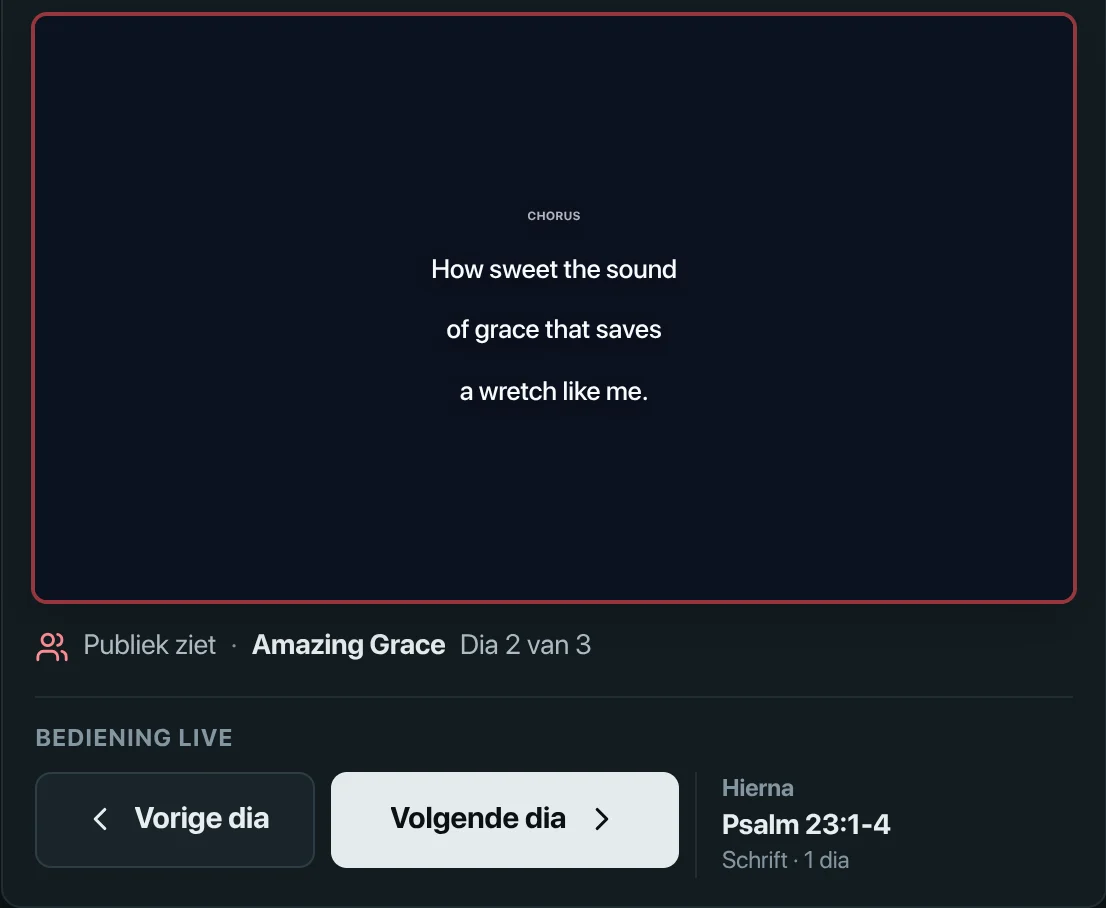
Previous and Next slide, Black, Background and Logo are always within reach.
From service order to screen
The whole service in one place.
You prepare the service in Koino. Presenter brings the service order with its songs, Bible passages and media to the laptop.
- 1
Build your library
Add songs with sections and rights, or copy community songs and public-domain hymns.
- 2
Prepare the service
Build the service order in Koino, from any computer.
- 3
Prepare
Pick the next song, Bible passage or video from the service or the library.
- 4
Show on screen
One press of the button or Enter, and the room sees it.
- 5
Control
Next slide, Black, Background, Logo and video — while you already prepare what comes next.
- 6
Reuse next week
Service orders stay saved — duplicate a service, swap items and present again.

In the room
Audience screen and stage screen.
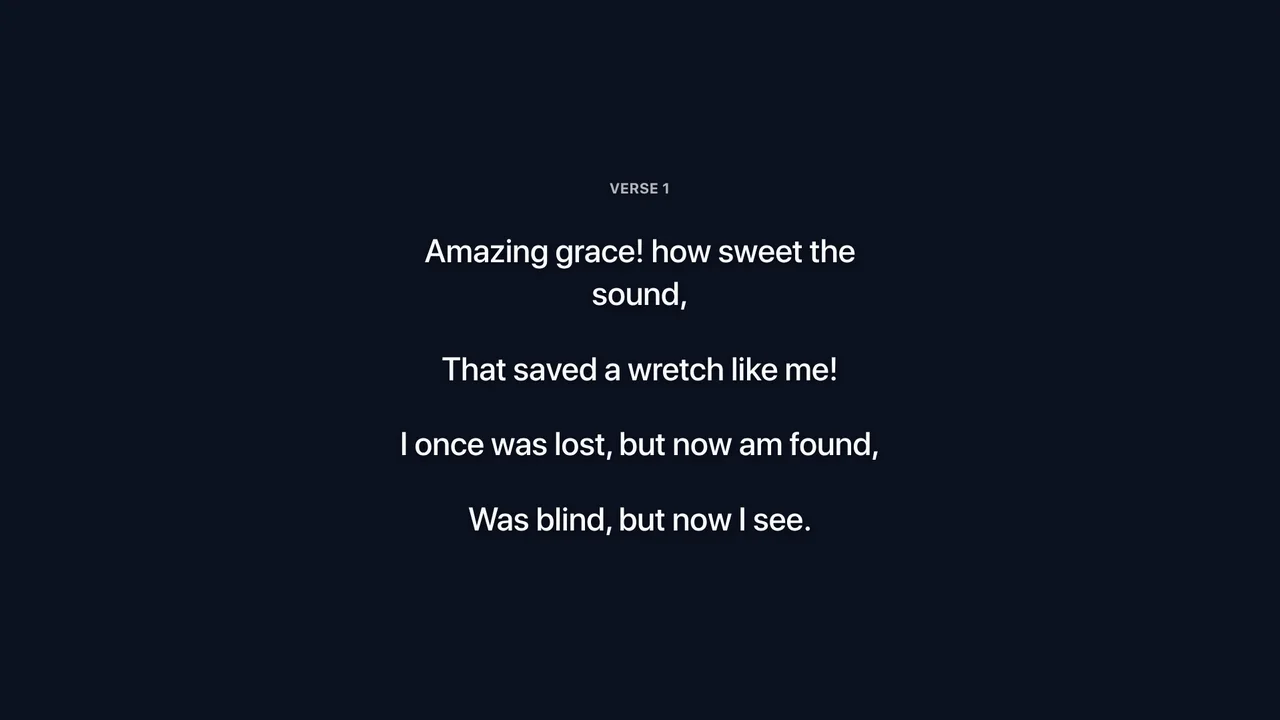
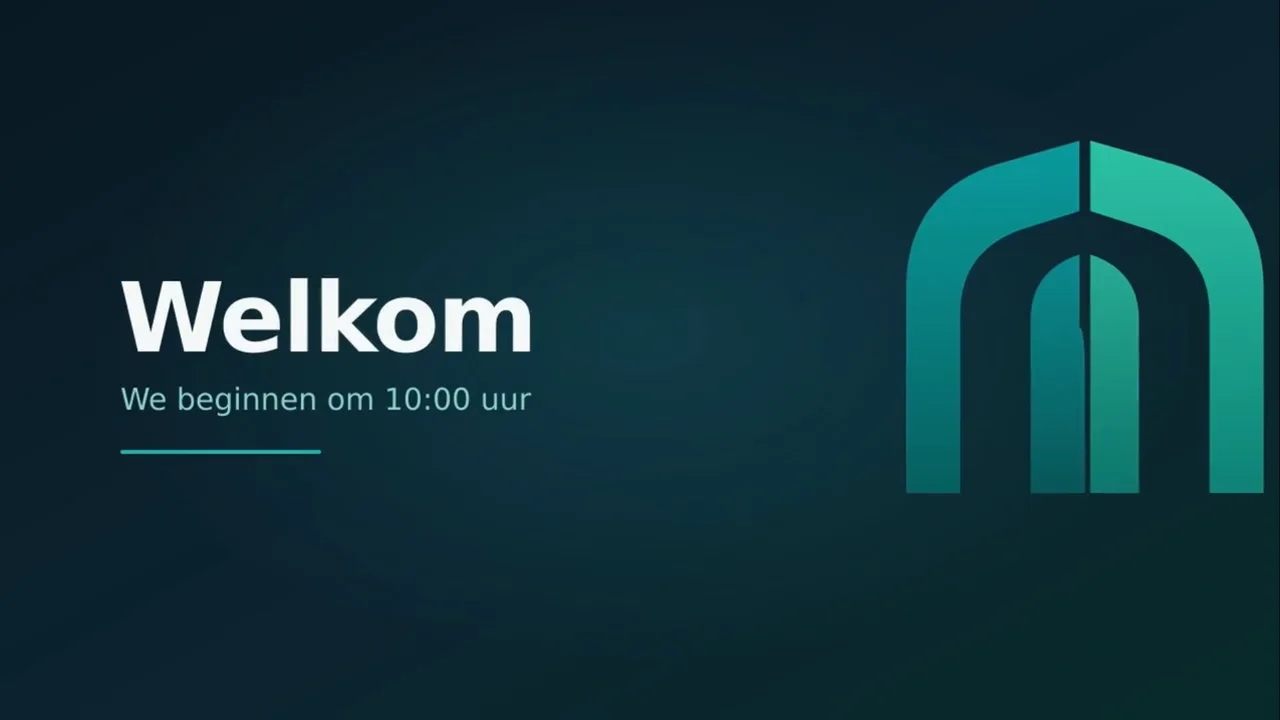
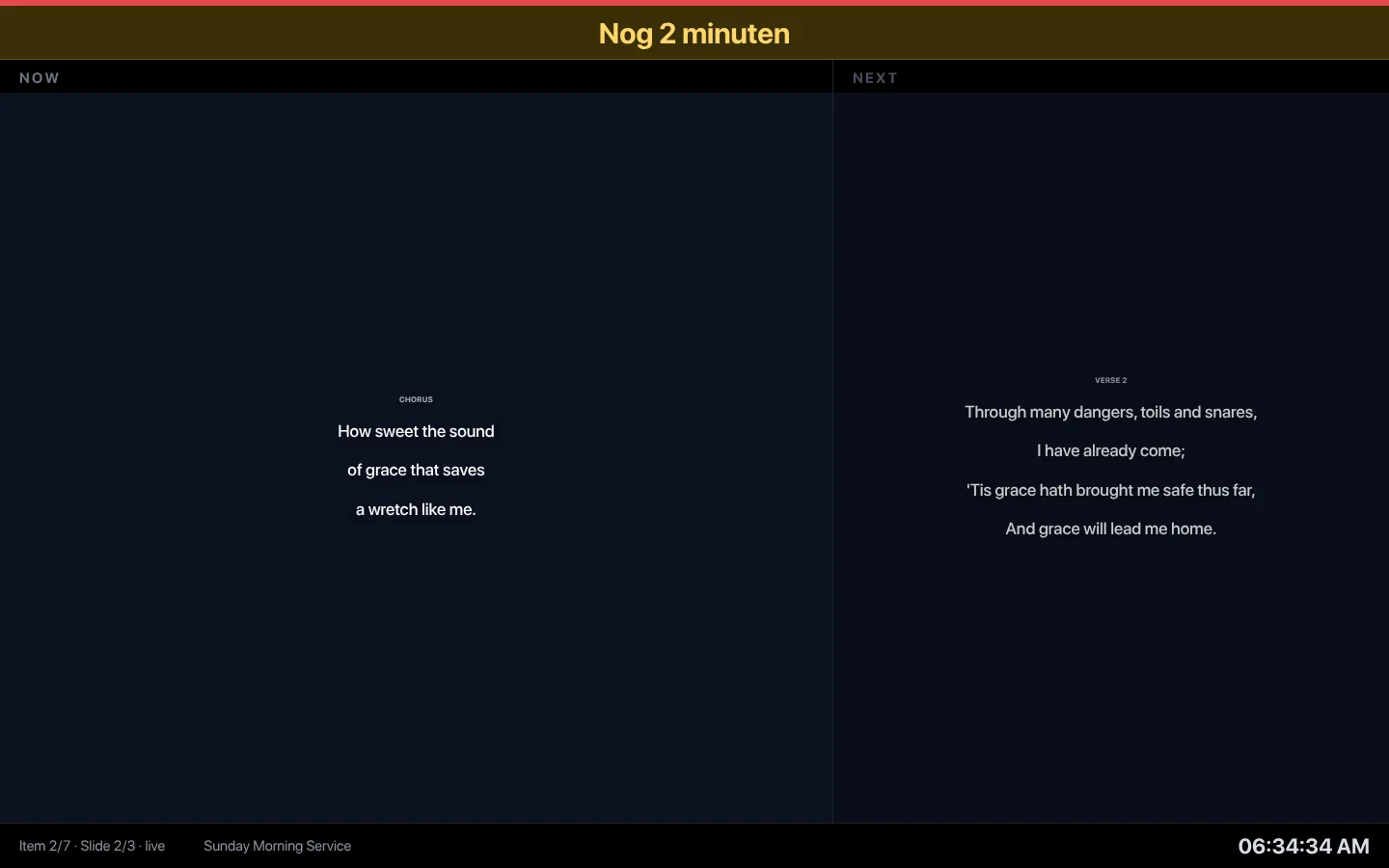
The projector or TV shows only the slide. On the stage screen the team sees what is on now, what comes next, the clock and a short message from the operator.

Prepared for Sunday. Even when the internet drops.
After syncing, what you need is stored on the laptop itself.
- Service order, songs, Bible passages and themes stay available locally.
- If the internet drops, you simply keep presenting.
- Download cloud video to the laptop beforehand; only then does it also play offline.
Rights & community
Honest about rights — by design.
Every song carries a rights status; only redistributable content reaches the community catalog.
- Public domain, open licence, organisation licence or private — the status travels with the song everywhere.
- Licensed lyrics cannot be edited, so CCLI-reported songs keep their registered text.
- Community submissions are reviewed by moderators; reports flag incorrect rights or attribution.
- Koino does not grant copyright permission — your church remains responsible for its own licences.
Control from your phone
The laptop presents. Your phone controls.
Open the controller in your phone’s browser and run the presentation from anywhere in the room: see what is on screen, prepare what’s next and show it.
- On screen and Prepare, just like on the laptop
- Show on screen, Previous and Next slide, Black, Background and Logo
- No separate app: you sign in with your Koino account
Phone control needs an internet connection. The laptop itself also presents offline.
Other screens follow along
With a presentation link, additional browsers and screens — in a second room or at home — follow the service slides live.
Download
Koino Presenter on your church laptop
A desktop app for Windows 10 and 11, macOS and Linux. After installing, you link the app to your Koino organization once.
- Being prepared
Windows 10/11
- Being prepared
macOS
- Being prepared
Linux
The download appears here as soon as the first version is published.
What you need
- A laptop with Windows 10/11, macOS or Linux
- A projector, TV or second screen for the room
- A Koino account with access to Presentation
Ready for Sunday.
Start a pilot with Koino and prepare your first service in Koino Presenter.