Getting started
Getting started with Koino
From first login to a working administration: the shortest route.
Koino brings member administration, planning, attendance and finances together in one place. You do not need to be a software expert — this guide gets you going.
The first three steps
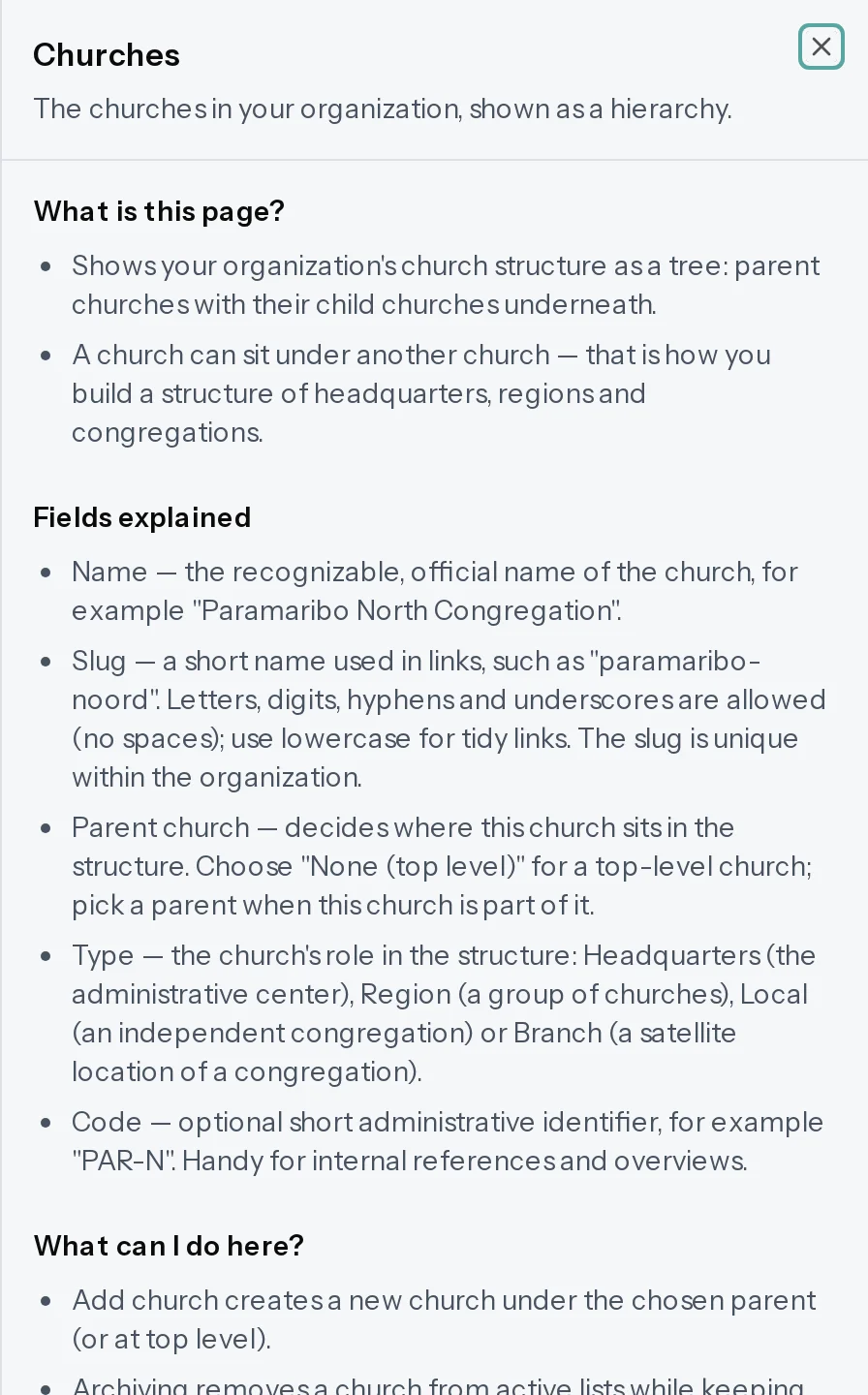
- Set up your church structure under Administration → Churches. Start with your main location and add wards or branches below it.
- Invite users via Administration → Users and give them a role that matches their task.
- Add people via People, manually or through a CSV import.
Where is everything?
The left-hand menu groups everything by topic: people, ministries and teams, planning, care & work, communication and finances. Missing a screen? You probably lack a permission — ask your administrator.
Help while you work
Every page has a question-mark button with a short explanation of what the page does and what the fields mean. That help is contextual: you do not need to search this knowledge base for every step.