Getting started
Preparing a CSV import
How to move an existing member list into Koino without double work.
The import module moves an existing member list (Excel or CSV) into Koino. Nothing is written until you have reviewed everything.
Preparation
- Export your existing list as CSV (comma, semicolon or tab separated).
- Make sure every row is one person, with at least a first and last name.
- Add a column with the church name when people are spread across multiple congregations.
- Use a fixed family identifier (for example a family number) when you want to carry households over.
How the import works
Start via People → Import:
New import
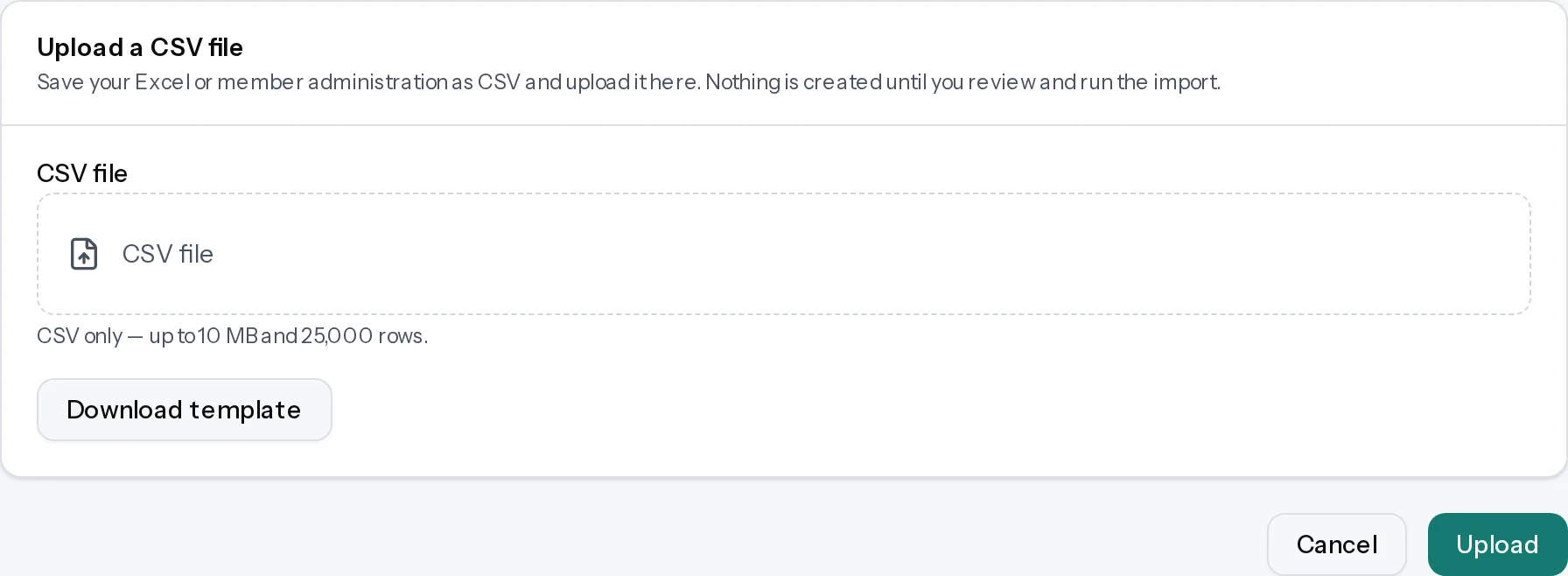
Upload — choose the file; Koino detects encoding and delimiter.
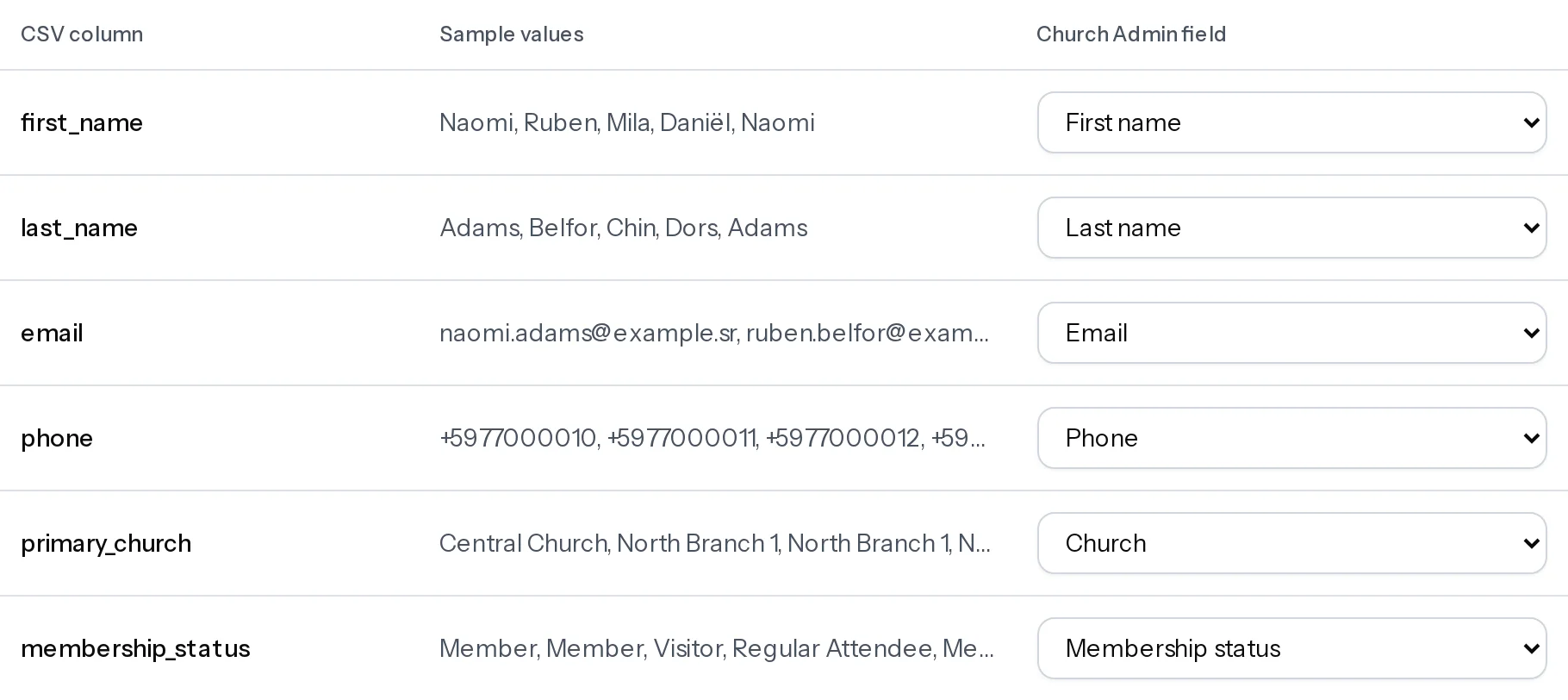
Map — connect each column to a person field. Unmapped columns are ignored.
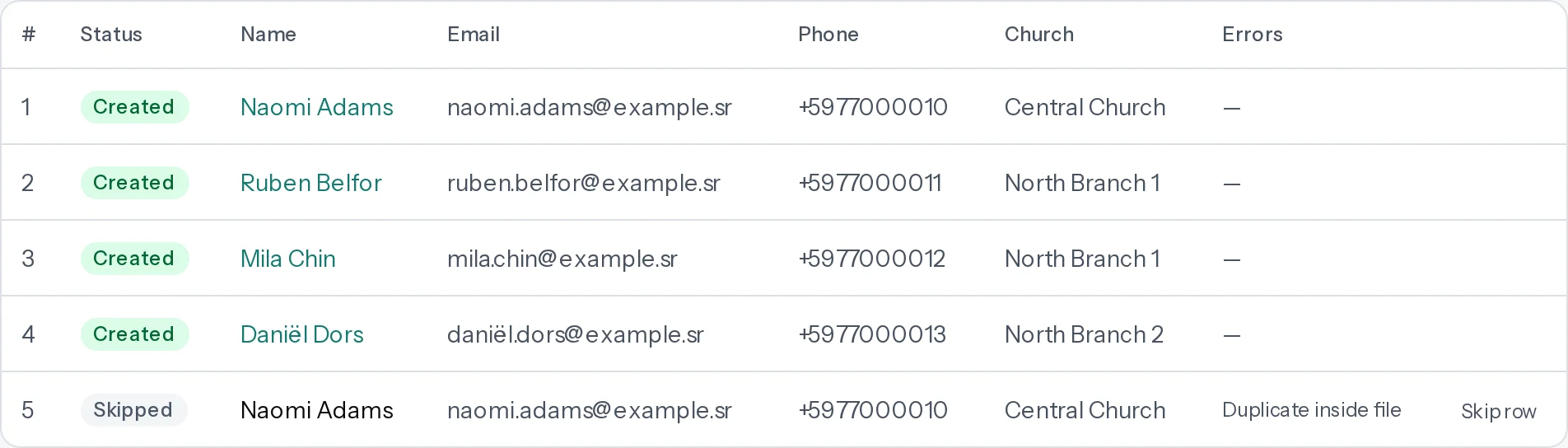
Review — a dry run shows per row whether it will be created, skipped or fail. Nothing is stored yet. Only Run actually creates people; duplicates can be skipped per row or created anyway.